
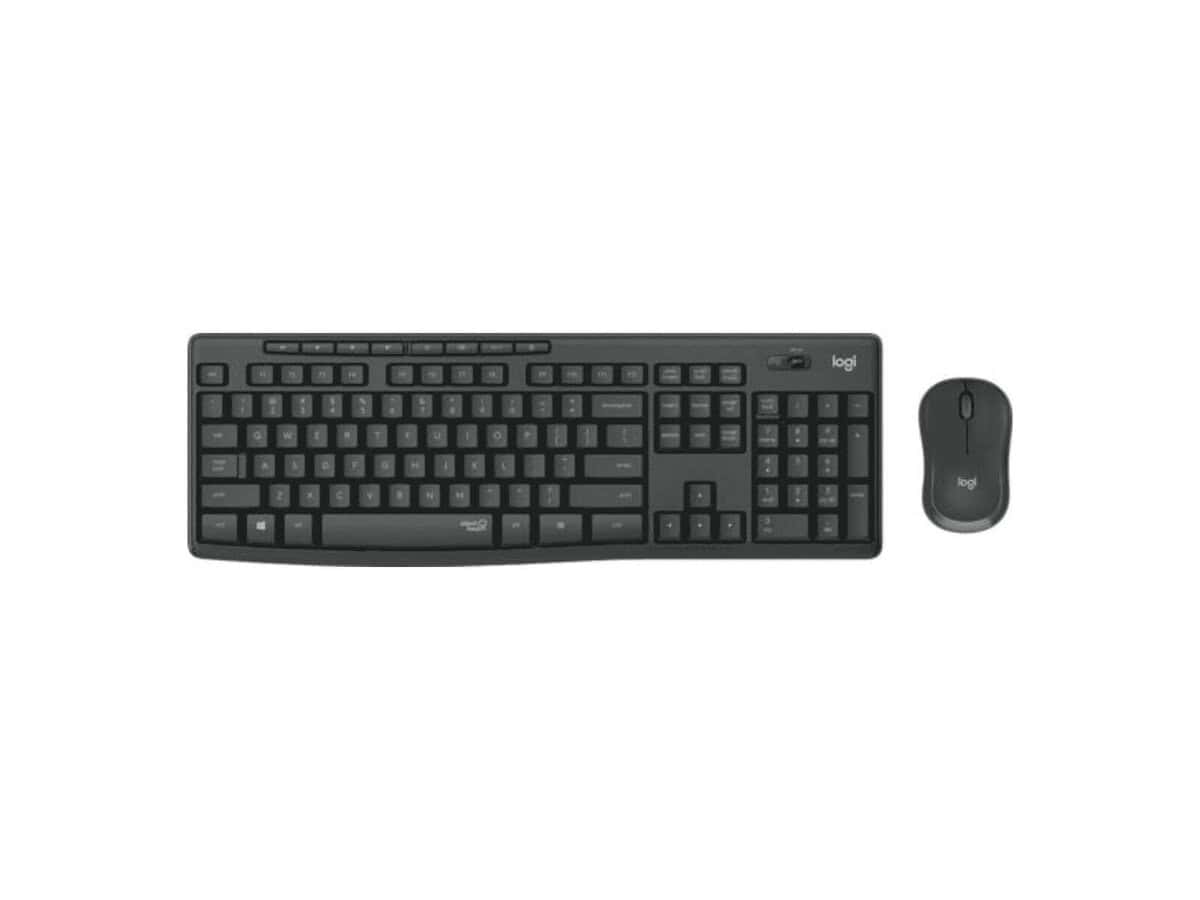




Logitech MK295 Silent Wireless Mouse and Keyboard Combo

R918.60

BB Store Credit Earn PreviewEarn approx. R22.97 BB Store Credit1% base • +1% payday • +0.5% weekend. Added after successful checkout and available for your next order.
Payflex Peach PAYMENTS Yoco
Brits Brothers SupportNeed help with this part?Fitment, stock, courier and returns help.
WhatsApp
Use Sales Desk, or choose a rotating WhatsApp support line.
Premium System

Complete Repair Package

Open the package builder to choose your vehicle and repair area. It only loads after click.

Logitech MK295 Silent Wireless Mouse and Keyboard Combo is listed as an auto-part option. Match the photos, SKU, part details, side or position with the item being replaced before ordering

Fitment Check
RepairMatch™ Fitment
Confirm this part against your vehicle before you order.
Check Fitment
Opens fitment page
Store Credit Deal
ThunderDeal™ Negotiator
Make a serious online offer and turn the approved value into BB Store Credit.
Open Negotiator
Shortcode page
Repair Package
Complete Repair Bundle
Build a matching repair package using this part as the starting point.
Build Bundle
Opens bundle page
Vehicle Search
Vehicle Parts Finder
Search by vehicle and find related parts faster.
Find Vehicle Parts
Opens finder page

Logitech MK295 Silent Wireless Mouse and Keyboard Combo offers a practical solution for users seeking a quieter and wireless input setup. This combo includes both a mouse and keyboard designed to reduce click noise, making it suitable for office or home environments where minimal sound is preferred.

The wireless functionality allows for clutter-free connectivity without the constraints of cables, ideal for workspaces needing flexibility and tidiness. This pairing is part of the computer peripheral category, emphasizing its role in improving user interaction with desktops or laptops through silent operation and wireless convenience.

When comparing this combo with your existing keyboard and mouse, check compatibility with your device’s wireless receiver or Bluetooth requirements. Confirm that you prefer the quiet key presses and mouse clicks unique to this model before purchasing. This unit suits those looking for a combined input device replacement or an upgrade to reduce typing and clicking noise.

  • Silent operation for both mouse and keyboard
  • Wireless design for ease of use and less desk clutter
  • Combo package ideal for single purchase convenience

Need help matching this item to your vehicle? Use Logitech K250 Wireless Keyboard, Vehicle Parts Finder or Request a Part with your VIN, engine number, part number or clear photos.

Frequently Asked Questions

Confirm fitment before ordering
Quick answers before you order. If anything is unclear, confirm fitment first using your VIN or part number and avoid mistakes.
Helpful product answers
What are the main features of the Logitech MK295 Silent Wireless Mouse and Keyboard Combo?
The Logitech MK295 combo offers a silent typing and clicking experience, making it ideal for quiet environments. It includes a full-size keyboard and a contoured mouse, both designed for comfort during extended use. The wireless connection provides reliable performance with a long battery life, reducing the need for frequent replacements.
Is the Logitech MK295 compatible with all operating systems?
The MK295 combo is compatible with most modern operating systems, including Windows and macOS. However, specific function keys may vary depending on the OS. For detailed compatibility information, it's best to check Logitech's official documentation or contact our Trade Partners for assistance.
How do I connect the Logitech MK295 wireless combo to my computer?
The MK295 uses a USB receiver that plugs into your computer's USB port. Once connected, the keyboard and mouse automatically pair with the receiver, requiring no additional software installation. This plug-and-play setup ensures a quick and hassle-free connection.
Can I replace the batteries in the Logitech MK295 mouse and keyboard?
Yes, both the mouse and keyboard use replaceable batteries. The keyboard typically uses two AAA batteries, while the mouse uses one AA battery. Battery life is optimized for long-term use, but when replacement is needed, standard batteries can be used to keep your devices running smoothly.
Where can I get support or replacement parts for the Logitech MK295 combo?
For support or to request replacement parts, you can reach out to our dedicated Trade Partners who specialize in Logitech products. Alternatively, you can submit a part request directly through our website at Request a Part. This ensures you receive genuine components tailored for your device.