
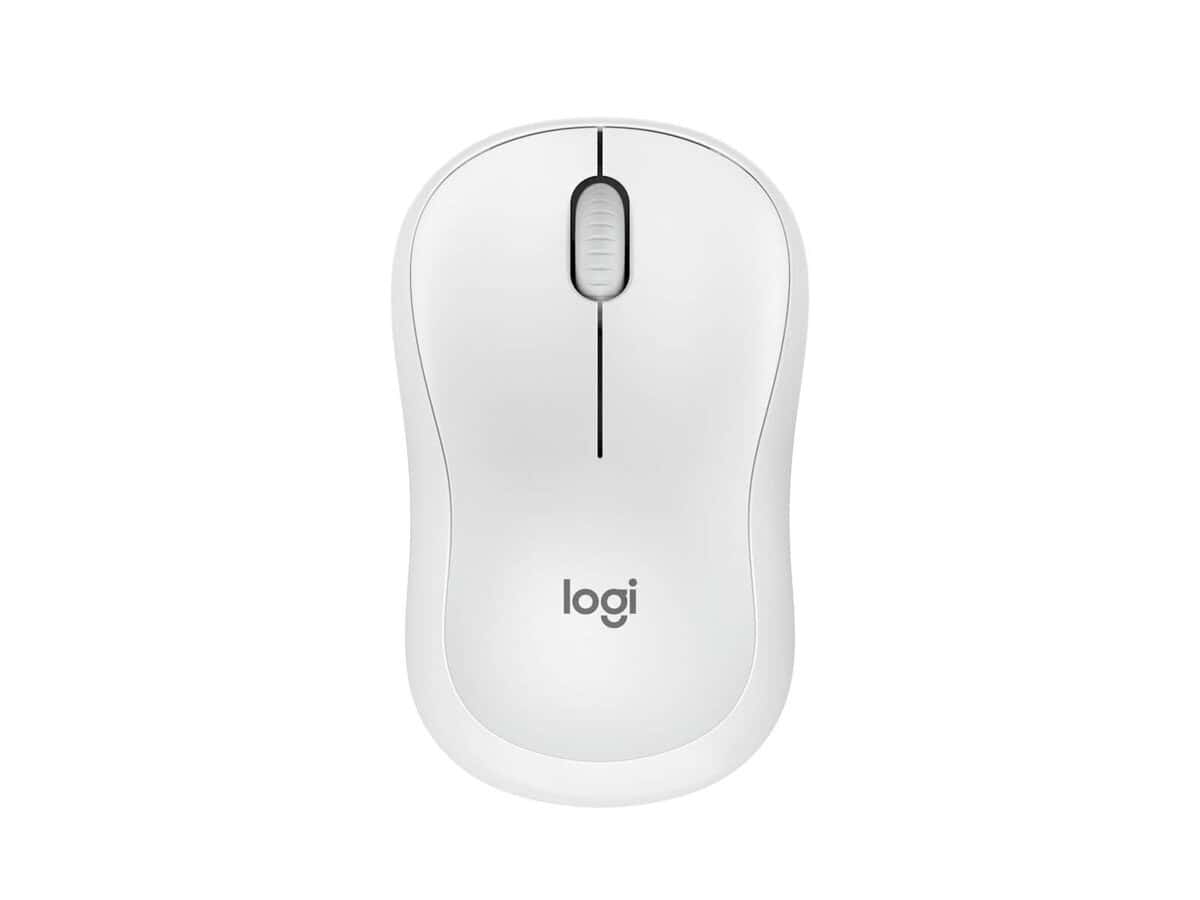
Logitech M240 Silent Bluetooth Mouse

R596.60

BB Store Credit Earn PreviewEarn approx. R14.92 BB Store Credit1% base • +1% payday • +0.5% weekend. Added after successful checkout and available for your next order.
Payflex Peach PAYMENTS Yoco
Brits Brothers SupportNeed help with this part?Fitment, stock, courier and returns help.
WhatsApp
Use Sales Desk, or choose a rotating WhatsApp support line.
Premium System

Complete Repair Package

Open the package builder to choose your vehicle and repair area. It only loads after click.

Logitech M240 Silent Bluetooth Mouse provides a quiet wireless Bluetooth connection for computer users seeking minimal noise during use

Fitment Check
RepairMatch™ Fitment
Confirm this part against your vehicle before you order.
Check Fitment
Opens fitment page
Store Credit Deal
ThunderDeal™ Negotiator
Make a serious online offer and turn the approved value into BB Store Credit.
Open Negotiator
Shortcode page
Repair Package
Complete Repair Bundle
Build a matching repair package using this part as the starting point.
Build Bundle
Opens bundle page
Vehicle Search
Vehicle Parts Finder
Search by vehicle and find related parts faster.
Find Vehicle Parts
Opens finder page

Logitech M240 Silent Bluetooth Mouse is an auto-part listing that should be matched against the vehicle or part currently being replaced. Use the product title, photos, SKU and category as the main reference points.

Use these listing details while checking the part: Product identity: this part; SKU: BB-395764; Vehicle wording from title: Logitech M240 Silent; Category: Computer Peripheral or Wireless Mouse.

Compare the part in the photos against the old component on the vehicle. Look at the shape, side or position, mounting points, plugs, brackets, ports and any number stamped or labelled on the item.

Where the title includes a year, model, engine or trim detail, treat that information as part of the match. Small differences between vehicle versions can change the correct replacement part.

Use these listing details while checking this item: Product identity: this part; SKU: BB-395764; Vehicle wording from title: Logitech M240 Silent; Category: Computer Peripheral or Wireless Mouse.

Before payment, compare the listing photos with the old part from more than one angle. Focus on the parts that decide fitment: shape, side, mounting points, plugs, ports, brackets, stamped numbers and any visible trim or facelift differences.

If the vehicle is still assembled, ask for a clear photo of the current part or take one before ordering. A photo check helps avoid buying a similar-looking item that belongs to a different year range, trim level, engine variant or body shape.

Need help matching this item to your vehicle? Use Logitech K250 Wireless Keyboard, Vehicle Parts Finder or Request a Part with your VIN, engine number, part number or clear photos.

Frequently Asked Questions

Confirm fitment before ordering
Quick answers before you order. If anything is unclear, confirm fitment first using your VIN or part number and avoid mistakes.
Helpful product answers
What are the main features of the Logitech M240 Silent Bluetooth Mouse?
The Logitech M240 Silent Bluetooth Mouse is designed to provide a quiet clicking experience, ideal for noise-sensitive environments. It connects via Bluetooth, eliminating the need for a USB receiver and reducing desk clutter. The mouse offers smooth tracking and ergonomic comfort for everyday use.
Is the Logitech M240 compatible with all operating systems?
The Logitech M240 Silent Bluetooth Mouse supports most modern operating systems that have Bluetooth capability, including Windows, macOS, and some Linux distributions. However, specific compatibility details are not specified, so checking your device's Bluetooth support is recommended.
How do I pair the Logitech M240 Silent Bluetooth Mouse with my computer?
To pair the Logitech M240, turn on the mouse and enable Bluetooth on your computer. Then, search for available Bluetooth devices and select the Logitech M240 from the list. Follow any on-screen instructions to complete the pairing process. For additional assistance, you can contact our Trade Partners.
What should I do if my Logitech M240 mouse stops working or needs a replacement part?
If your Logitech M240 Silent Bluetooth Mouse experiences issues or requires replacement parts, you can request parts through our dedicated service. Visit Request a Part to submit your request, and our team will assist you promptly.
Does the Logitech M240 Silent Bluetooth Mouse require batteries, and how long do they last?
The Logitech M240 Silent Bluetooth Mouse operates on batteries, but specific battery type and lifespan are not specified. Typically, Bluetooth mice offer extended battery life, often lasting several months depending on usage. It's advisable to keep spare batteries handy for uninterrupted use.