
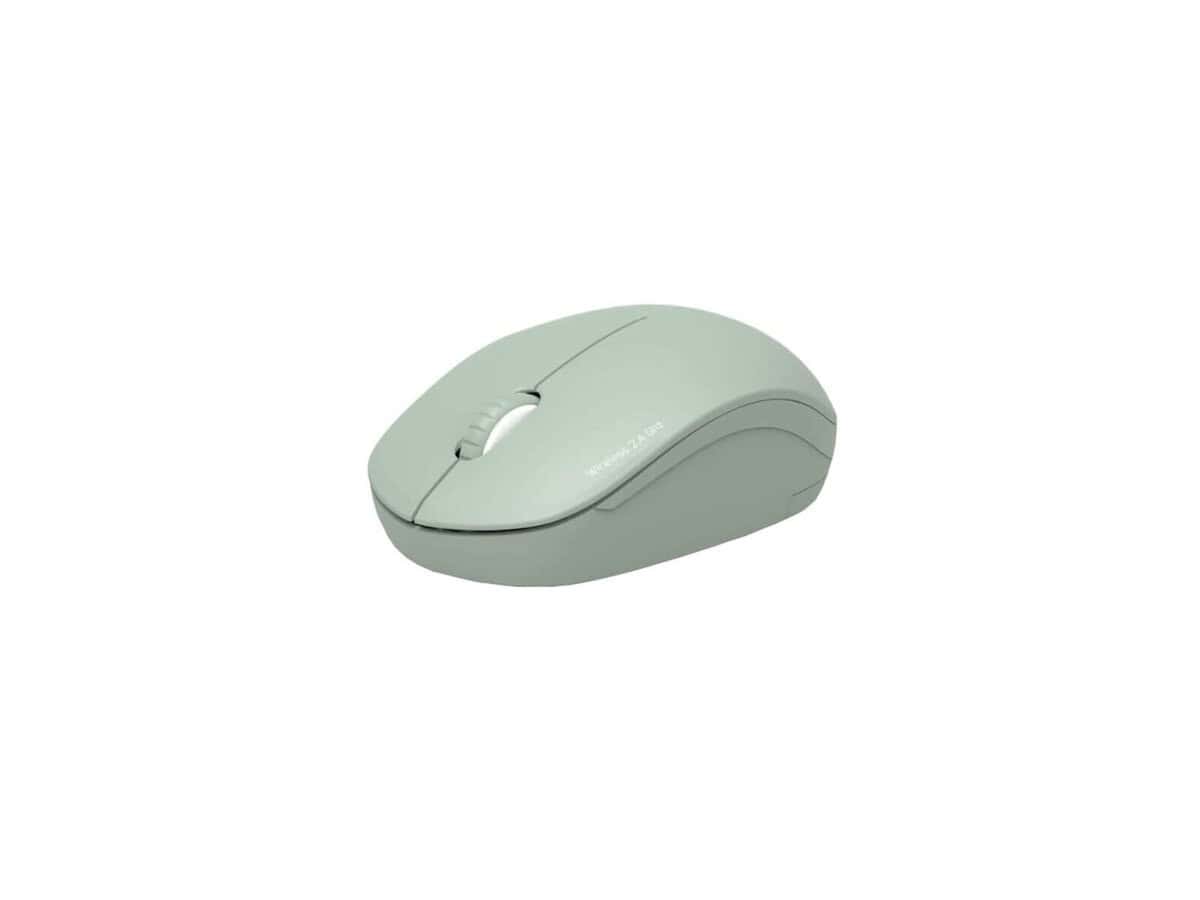
Port Connect Collection II Wireless Mouse – Olive

R386.60

BB Store Credit Earn PreviewEarn approx. R7.73 BB Store Credit1% base • +1% payday. Added after successful checkout and available for your next order.
Payflex Peach PAYMENTS Yoco
Brits Brothers SupportNeed help with this part?Fitment, stock, courier and returns help.
WhatsApp
Use Sales Desk, or choose a rotating WhatsApp support line.
Premium System

Complete Repair Package

Open the package builder to choose your vehicle and repair area. It only loads after click.

Port Connect Collection II Wireless Mouse – Olive is a wireless computer mouse designed to offer wireless connectivity and ergonomic handling in olive color

Fitment Check
RepairMatch™ Fitment
Confirm this part against your vehicle before you order.
Check Fitment
Opens fitment page
Store Credit Deal
ThunderDeal™ Negotiator
Make a serious online offer and turn the approved value into BB Store Credit.
Open Negotiator
Shortcode page
Repair Package
Complete Repair Bundle
Build a matching repair package using this part as the starting point.
Build Bundle
Opens bundle page
Vehicle Search
Vehicle Parts Finder
Search by vehicle and find related parts faster.
Find Vehicle Parts
Opens finder page

Port Connect Collection II Wireless Mouse – Olive is listed as an auto-part option. Confirm fitment, part number and compatibility before purchase, especially where vehicle-specific matching is required.

Port Connect Collection II Wireless Mouse – Olive is a computer peripheral designed for wireless control and enhanced user convenience. This wireless mouse delivers intuitive navigation for various computer tasks and is ideal for users seeking a reliable and portable pointing device.

The mouse comes in an olive color, adding a unique aesthetic to your workspace or computer setup. It is part of the Port Connect Collection, emphasizing connectivity and wireless functionality. When considering this listing, verify compatibility with your existing computer system and ensure the wireless technology suits your device requirements.

This wireless mouse is suitable for anyone needing a smooth, cable-free experience for general computing, browsing, or office productivity. When comparing with other models, consider battery life, ergonomic design, and responsiveness, as well as the olive color finish if style is a priority.

  • Category: Computer Peripheral or Wireless Mouse
  • SKU: BB-395180
  • Part of the Port Connect Collection

Need help matching this item to your vehicle? Use Logitech K250 Wireless Keyboard, Vehicle Parts Finder or Request a Part with your VIN, engine number, part number or clear photos.

Frequently Asked Questions

Confirm fitment before ordering
Quick answers before you order. If anything is unclear, confirm fitment first using your VIN or part number and avoid mistakes.
Helpful product answers
What are the main features of the Port Connect Collection II Wireless Mouse – Olive?
The Port Connect Collection II Wireless Mouse in Olive offers wireless connectivity for a clutter-free workspace. It features an ergonomic design suitable for extended use and precise tracking for smooth cursor control. The olive color adds a stylish touch to your computer setup.
How do I connect the Port Connect Collection II Wireless Mouse to my computer?
To connect the Port Connect Collection II Wireless Mouse, plug the included USB receiver into your computer's USB port. The mouse should automatically pair with the receiver, allowing immediate use. If it doesn't connect, try turning the mouse off and on or re-plugging the receiver.
What type of batteries does the Port Connect Collection II Wireless Mouse use, and how long do they last?
Not specified. Generally, wireless mice use AA or AAA batteries, but for exact battery type and expected life, please refer to the product manual or contact Brits Brothers™ Trade Partners for detailed support.
Can I use the Port Connect Collection II Wireless Mouse on different surfaces?
This wireless mouse is designed to work well on most flat surfaces like desks and mouse pads. Avoid using it on reflective or glass surfaces, as this can cause tracking issues. For best performance, use a mouse pad to ensure smooth and accurate cursor movement.
What is a common mistake to avoid when using the Port Connect Collection II Wireless Mouse?
A common mistake is placing the USB receiver too far from the mouse or behind metal objects, which can cause connectivity issues. To fix this, keep the receiver within a clear line of sight and close proximity to the mouse for stable wireless communication.
Where can Trade Partners get support or order parts for the Port Connect Collection II Wireless Mouse?
Trade Partners can request parts or support through the Brits Brothers™ dedicated portal. Visit Request a Part to submit inquiries or orders. This ensures quick and efficient assistance tailored for Trade Partners.