
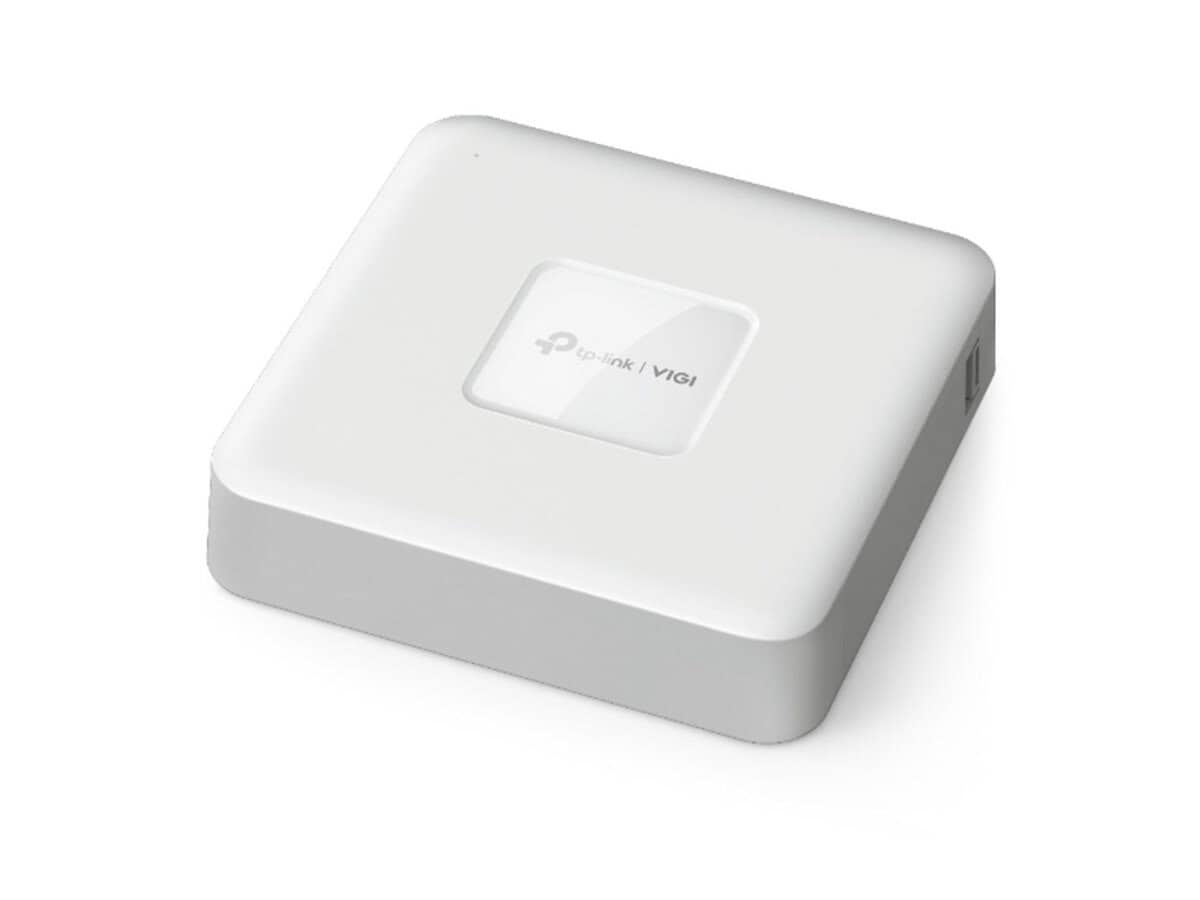
TP-Link 4 Channel PoE Network Video Recorder

R2402.60

BB Store Credit Earn PreviewEarn approx. R48.05 BB Store Credit1% base • +1% payday. Added after successful checkout and available for your next order.
Payflex Peach PAYMENTS Yoco
Brits Brothers SupportNeed help with this part?Fitment, stock, courier and returns help.
WhatsApp
Use Sales Desk, or choose a rotating WhatsApp support line.
Premium System

Complete Repair Package

Open the package builder to choose your vehicle and repair area. It only loads after click.

TP-Link 4 Channel PoE Network Video Recorder is designed for network video recording with PoE power supply features. Suitable for monitoring systems requiring up to 4 channels

Fitment Check
RepairMatch™ Fitment
Confirm this part against your vehicle before you order.
Check Fitment
Opens fitment page
Store Credit Deal
ThunderDeal™ Negotiator
Make a serious online offer and turn the approved value into BB Store Credit.
Open Negotiator
Shortcode page
Repair Package
Complete Repair Bundle
Build a matching repair package using this part as the starting point.
Build Bundle
Opens bundle page
Vehicle Search
Vehicle Parts Finder
Search by vehicle and find related parts faster.
Find Vehicle Parts
Opens finder page

TP-Link 4 Channel PoE Network Video Recorder is a crucial device used for managing and recording video streams from compatible IP cameras with Power over Ethernet (PoE) support. This NVR works as the central unit in a network video surveillance setup, enabling you to connect up to four channels of PoE cameras for both power supply and video transmission through a single Ethernet cable.

This component is categorized under PoE Injector or Network Power Supply devices, which means it integrates the functionality of powering cameras directly while handling the video data recording. Buyers should confirm that their IP cameras support 4-channel PoE input and match the network requirements for seamless integration. The unit’s model identity, TP-Link 4 Channel, serves as a key reference when comparing or replacing existing NVRs in surveillance systems.

When considering this network video recorder, check for compatibility with your current camera models in terms of PoE standards and network connectivity. The device typically sits in a secured, indoor environment where video data is recorded, stored, and accessed for monitoring. If uncertain about fitment or specifications, it is advisable to consult the sales desk or submit a request for part verification to ensure this recorder meets your specific surveillance needs.

Need help matching this item to your vehicle? Use Ubiquiti EdgePoint PoE Injector, 54VDC, 80W, Vehicle Parts Finder or Request a Part with your VIN, engine number, part number or clear photos.

Frequently Asked Questions

Confirm fitment before ordering
Quick answers before you order. If anything is unclear, confirm fitment first using your VIN or part number and avoid mistakes.
Helpful product answers
What is the primary function of the TP-Link 4 Channel PoE Network Video Recorder?
The TP-Link 4 Channel PoE Network Video Recorder (NVR) is designed to manage and record video feeds from up to four PoE-enabled IP cameras. It simplifies surveillance by providing power and data transmission over a single Ethernet cable, making installation cleaner and more efficient. This device is ideal for small to medium security setups requiring reliable video recording and playback.
How do I properly connect cameras to the TP-Link 4 Channel PoE NVR?
Connect each PoE-enabled IP camera directly to the NVR’s PoE ports using Ethernet cables. Avoid using non-PoE switches or injectors unless the NVR ports are fully occupied. A common mistake is connecting cameras to non-PoE ports without additional power, which results in no video feed. Ensure cables are securely plugged in and the cameras are compatible with the NVR’s specifications.
Can I expand the storage capacity of this TP-Link NVR?
The product details do not specify storage capacity or expansion options. Typically, NVRs allow for internal hard drive installation or external storage via USB or network. For exact storage upgrade possibilities, consult the user manual or contact Brits Brothers™ Trade Partners for detailed support and compatible accessories.
Is this TP-Link NVR compatible with all IP cameras?
Compatibility depends on the camera’s protocol and power requirements. The TP-Link 4 Channel PoE NVR generally supports standard ONVIF-compliant IP cameras with PoE capability. Using non-ONVIF or non-PoE cameras may require additional configuration or power sources. For best results, verify camera compatibility before purchase or reach out to Brits Brothers™ Trade Partners for advice.
What should I do if the NVR is not recording video from connected cameras?
First, check that all Ethernet cables are properly connected and that cameras are powered via PoE. Confirm the cameras are ONVIF-compliant and configured correctly in the NVR interface. A frequent error is neglecting to assign IP addresses or failing to enable recording schedules. Review the NVR settings to ensure recording is activated and consult the manual or Trade Partners if issues persist.