
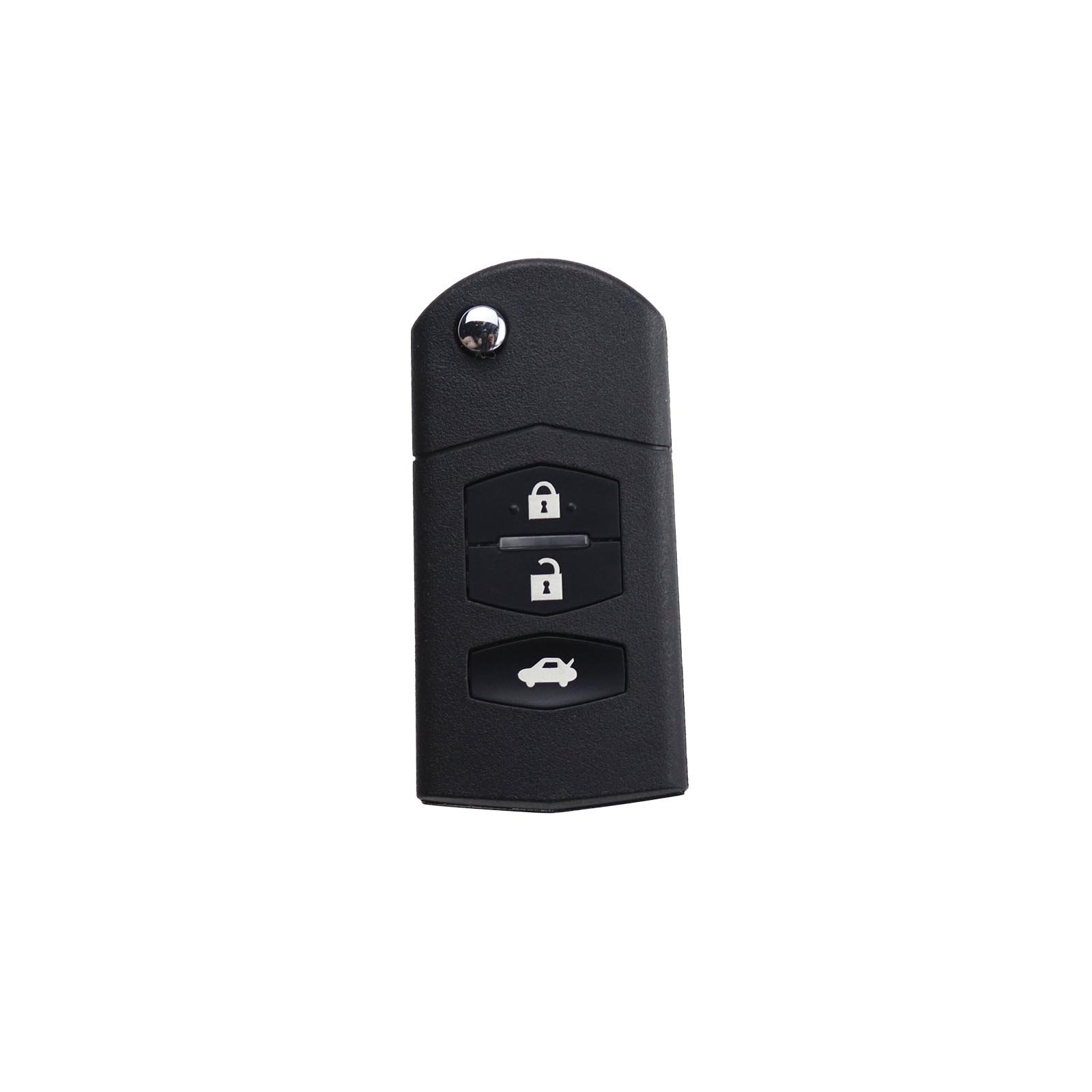
Keydiy KD B12 | Universal Remote Key (3 Buttons)

R350.20

BB Store Credit Earn PreviewEarn approx. R8.76 BB Store Credit1% base • +1% payday • +0.5% weekend. Added after successful checkout and available for your next order.
Payflex Peach PAYMENTS Yoco
Brits Brothers Support

Need help with this part?

Fitment, stock, courier and returns help.
Click any service to learn more.
Repair package

Complete Repair Package

Open the package builder to choose your vehicle and repair area. It only loads after click.

Keydiy KD B12 is a universal remote key featuring 3 buttons, ideal for use with multiple vehicle models

Keydiy KD B12 | Universal Remote Key (3 Buttons) is a versatile remote key designed for universal use across various vehicle makes and models. This remote key features three functional buttons allowing control over basic locking and unlocking functions typically required for car security and convenience systems.

This unit suits those looking to replace a lost or damaged remote key or as a spare key for added convenience. When considering this remote, compare button layout and signal frequency compatibility with your vehicle’s original remote key. Matching these will help ensure the remote functions properly with your car’s central locking or alarm system.

The compact design and three-button configuration make this remote user-friendly while providing essential vehicle access control. Buyers should verify that the this part remote key’s coding and programming options align with their vehicle’s key system requirements.

  • Universal fitment across multiple vehicles
  • Three-button remote for basic locking functions
  • Compatible with vehicles supporting this part remotes

For assistance with confirming compatibility or programming options, consider contacting the sales desk or submitting a request for part verification before purchase.

Not sure the code, size or specification matches? Use more KEYS or Request a Part with a clear photo of the old part before checkout.

Research before ordering

Guides related to this product

Use these references to compare condition, fitment evidence and buying checks.

Frequently Asked Questions

Confirm fitment before ordering
Quick answers before you order. If anything is unclear, confirm fitment first using your VIN or part number and avoid mistakes.
Helpful product answers
What vehicles are compatible with the Keydiy KD B12 Universal Remote Key?
The Keydiy KD B12 Universal Remote Key is designed to work with a wide range of vehicles that support 3-button remote keys. To ensure compatibility, please provide your vehicle's make, model, and year when ordering. Our Trade Partners can assist in confirming if this remote key suits your specific vehicle.
How do I program the Keydiy KD B12 remote key to my car?
Programming the Keydiy KD B12 typically requires specialized equipment or assistance from a professional locksmith or your vehicle's dealership. Some vehicles allow manual programming, but this varies by make and model. For precise guidance, contact our Trade Partners or request programming support when purchasing.
Can I replace the battery in the Keydiy KD B12 remote key myself?
Yes, the Keydiy KD B12 remote key uses a replaceable battery, allowing you to easily swap it out when needed. Simply open the key casing carefully and replace the battery with the correct type. If unsure, our Trade Partners can provide advice or assistance with battery replacement.
Is the Keydiy KD B12 remote key compatible with immobilizer systems?
The Keydiy KD B12 remote key supports remote functions but may require additional programming to work with your vehicle's immobilizer system. Immobilizer compatibility depends on your car's security setup. For full functionality, provide your vehicle details to our Trade Partners who can guide you through the necessary steps.
What should I do if the Keydiy KD B12 remote key stops working after purchase?
If your Keydiy KD B12 remote key malfunctions, first check the battery and reprogramming requirements. Should issues persist, you can request a return or refund through our official process. Visit our Refunds page for detailed instructions and support.